
 EliteDenizenDenizenMC
Nobody reads a product page from top to bottom on the first visit. They skim for an answer to one question: will this do what I need on my server? A page that answers that quickly gets read. A page that hides it under a wall of features gets closed.
A description thread is that page, designed. Here's the structure we use, and why each part earns its place.
Start with the answer
The first screen should say, in one line, what the product does and who it's for. Not a slogan, not a version history. If someone only reads this line and the image beside it, they should already know whether to keep going.
Then the reasons, one per block
Break the main features into a handful of blocks, each with a short heading, two or three sentences and a visual. A heading should make sense on its own, because a skimmer will read only the headings. "Stack, level and prestige" tells them something. "Feature three" doesn't.
Three to six blocks is usually right. Past that, people stop telling them apart.
Show it working
Screenshots of the real menus, items and messages, in game, at a size people can read. A short clip of something moving is worth more than another paragraph. This is the part that turns "sounds good" into "I can see it on my server".
Requirements, early and plain
Server software, Minecraft versions, Java version and any dependencies, in one obvious place. It feels unglamorous, but it's one of the most valuable sections on the page: buyers who can check compatibility in seconds buy with confidence, and you get fewer support tickets from people who couldn't.
Our own pages do this. The Punishments Menu lists its one dependency and every supported server type in a single short section, and the EliteSpawner docs open with the server software, Minecraft and Java versions it needs.
Answer the questions before they're asked
Every support ticket you've answered twice belongs on the page. Does it work with my economy plugin? Can I change the messages? Is it on Folia? A short questions section saves you time and removes the last doubts before someone buys.
Close with support and updates
Tell people what happens after they buy: where to get help, how updates arrive, where the docs live. It's reassurance at exactly the moment they're deciding.
Make it look like one product
The page should share its look with the thumbnail and banner: the same colours, type and style of visuals. When everything matches, the product feels finished before anyone installs it.
Want it designed for you?
This structure is the starting point for every description thread we design at DenizenMC. We write the layout around your product, design each section to match your thumbnail, and deliver it as one tall image or separate sections, whichever your listing needs, with the Figma source.
See threads we've designed, read what's included, or start a project. Every project gets a fixed quote and a delivery date before anything begins.
Get the tools from this guide
Built and tested on real servers, with updates included and support on Discord.
Plugins · 1.20.6+
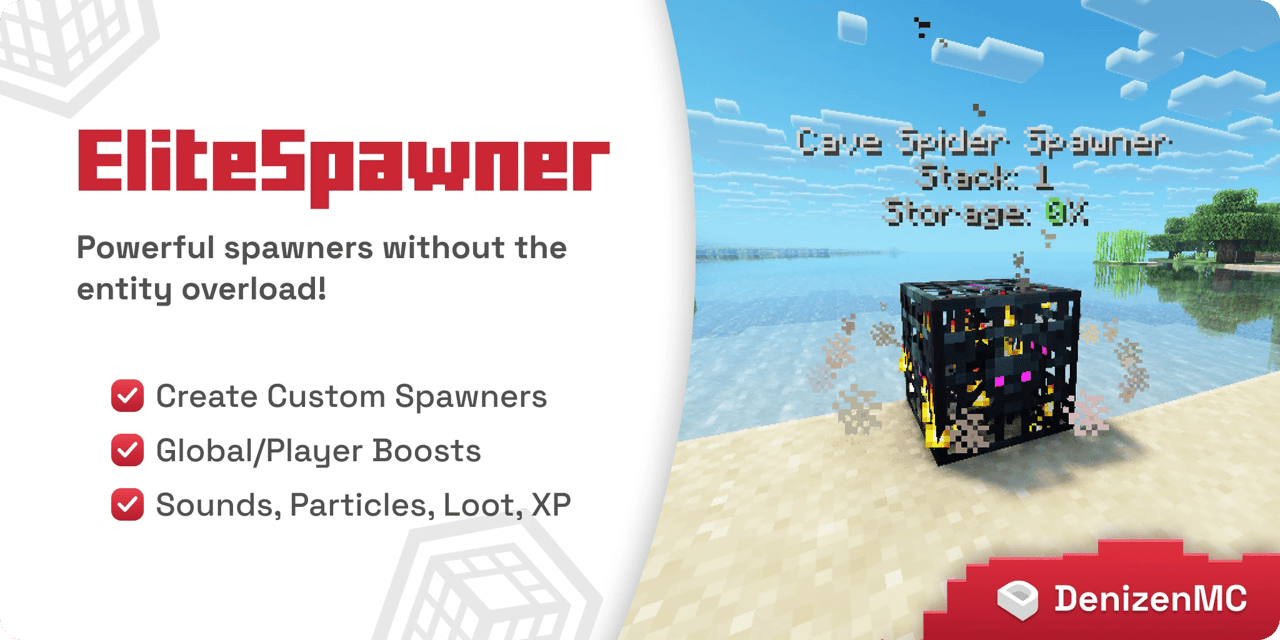
EliteSpawner
From EliteDenizen
Virtual mob and item spawners you can stack, level up, prestige and boost.
Configs · 1.16+
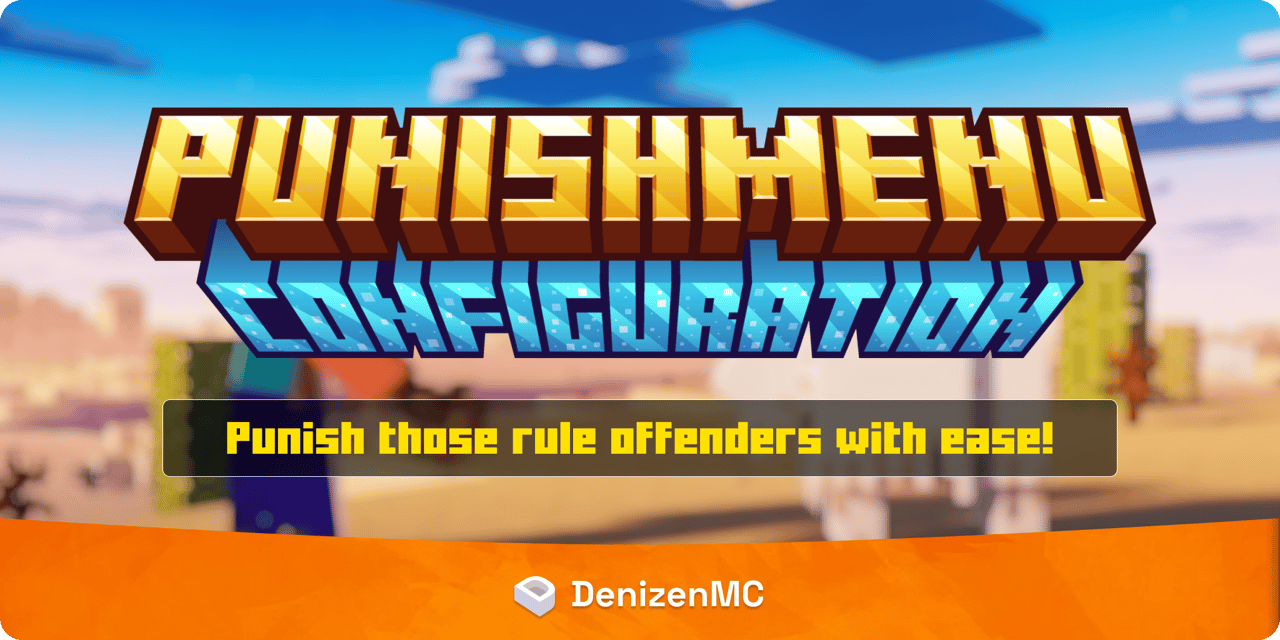
Punishments Menu
FromEliteDenizen
Modern & clean punishments setup, to ease your server staff!