
 EliteDenizenDenizenMC
Every new SMP owner goes through the same phase: a plugins folder with sixty jars, half of them doing the same job, and a launch that keeps slipping because something conflicts with something else.
You don't need sixty. You need a small foundation that's rock solid, a few touches that make it feel finished, and one good reason for players to come back tomorrow. This is the list we'd start from.
The foundation
These are free, widely used and well maintained. Between them they cover almost everything a survival server needs on day one.
- EssentialsX for homes, warps, kits, teleport requests and the everyday commands players expect.
- LuckPerms for ranks and permissions. Set it up properly once and every other plugin plugs into it.
- A protection plugin. GriefPrevention if players should claim their own land, WorldGuard for regions you control, like spawn.
- CoreProtect to log block changes, so a griefing report takes a minute to check and a rollback instead of an argument.
- DeluxeMenus for clickable menus without writing any code.
That's five plugins. Get these right before adding anything else.
Make the defaults feel finished
Out of the box, EssentialsX works but looks plain: grey text, default kits, an MOTD nobody wrote. Players notice, even if they couldn't tell you why the server feels unfinished.
You can rewrite every message yourself, or start from our EssentialsX Configuration. It redesigns the messages with clickable and hoverable text, adds a custom MOTD, 12 balanced RPG-style kits, and English and German translations. It's ready the moment you drop it in, and every line stays yours to edit.
Give your staff one way to punish
On most new servers, punishments depend on who's online. One moderator bans for a week, another for a day, and new staff look up command syntax mid-argument.
A menu fixes both problems. Our Punishments Menu gives staff one screen to pick Ban, Mute, Warn or Jail, then an organised list of reasons with the duration already filled in. It's built on DeluxeMenus, so it fits right into the foundation above, and the reasons are plain config you can match to your own rules page.
Let every plugin speak the same language
The fastest way a server looks patched together is five plugins with five different message styles. Lightning is our free plugin that brings MiniMessage formatting to messages from any plugin, even ones that only understand old colour codes. Gradients, hovers and clicks, everywhere, from one place.
It's free on Modrinth and SpigotMC, and the docs walk you through it.
One reason to log in tomorrow
A survival server needs something to work towards. Spawners are a classic for a reason: they turn a good base into a better one, and give your economy something to circulate.
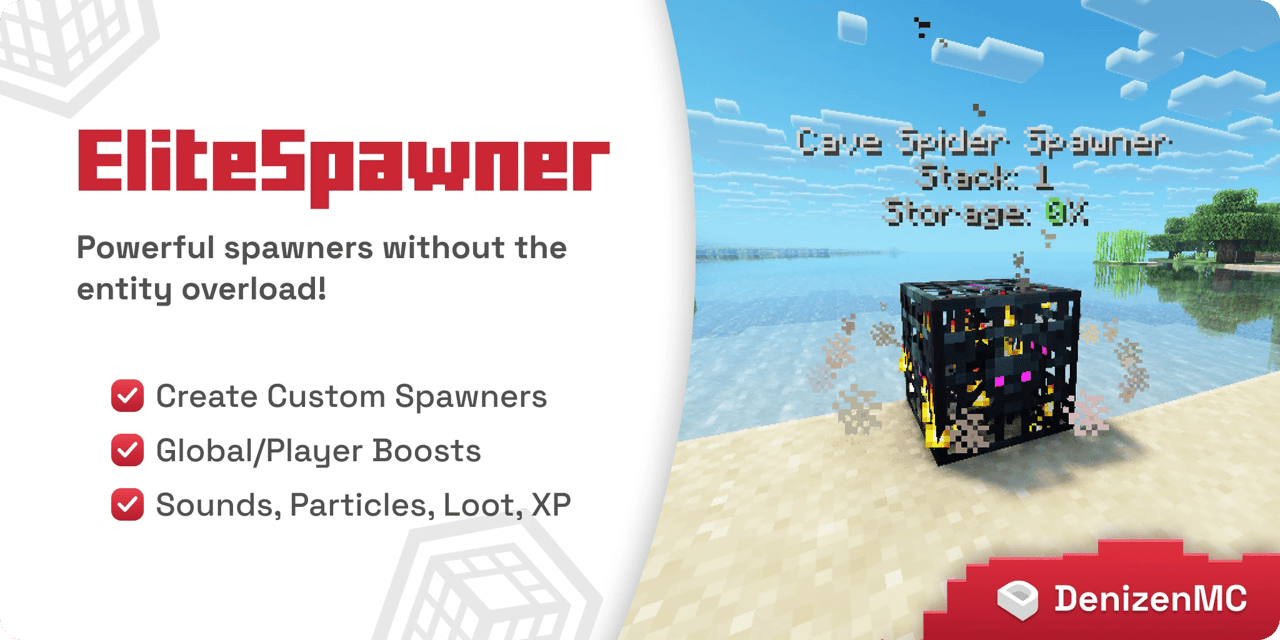
EliteSpawner adds stacking, levels, prestige, boosts and loot you can design yourself, including rare drops that can't go unlucky forever. It runs on Paper, Purpur and Folia, on Minecraft 1.20.6 and newer.
What to skip on day one
- A second economy plugin. Pick one and let everything else hook into it.
- Big minigame suites. Add them when players ask, not before.
- Anything you haven't tested. If a plugin hasn't been updated in years, find out why before your players do.
A short launch checklist
- Join on an alt account with the default rank and try every command a new player would.
- Take a full backup, then check that you can actually restore it.
- Protect spawn before the first player arrives, not after.
- Write your rules once, and make sure the punishment reasons match them.
Making it look the part
Players find servers through listings, Discord invites and server lists, and they decide in a second. If you'd like a banner, a logo or a server listing that matches the effort you put into the server itself, that's what we do at DenizenMC. Every project is quoted before anything starts.
Everything here is made by EliteDenizen at DenizenMC. You'll find the same products on BuiltByBit, and the free ones on Modrinth.
Get the tools from this guide
Built and tested on real servers, with updates included and support on Discord.
Plugins · 1.20.6+
EliteSpawner
From EliteDenizen
Virtual mob and item spawners you can stack, level up, prestige and boost.
Plugins · 1.21+
Lightning
FromEliteDenizen
Supercharge every message on your server. MiniMessage, sparks, bolts and custom commands, in any plugin.
Configs · 1.16+
EssentialsX Configuration
FromEliteDenizen
EssentialsX that players can click, hear and feel. Includes 12 kits, English & German translations.