
 EliteDenizenDenizenMC
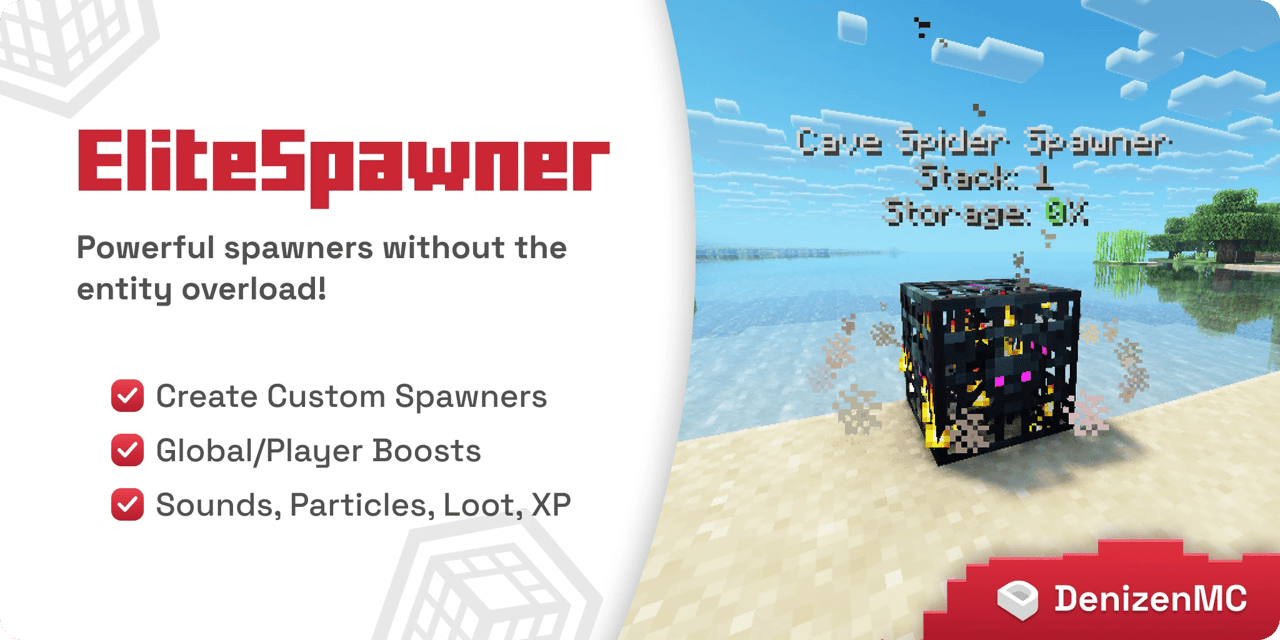
A spawner plugin touches almost everything on a survival server: performance, the economy, progression and how players spend their time. Swapping one out later means migrating every placed spawner, so it pays to choose carefully. Here's what to check, whichever plugin you end up with.
1. Does it spawn real mobs?
The biggest performance question. Plugins that spawn real entities and then stack them still create mobs, run their AI and drop items on the ground. Virtual spawners skip all of that: the drops and experience are calculated and stored directly.
If your server has hundreds or thousands of spawners, virtual generation is usually the difference between a smooth tick rate and constant lag reports.
2. Does it run on your server software?
Check the exact list. Paper and Purpur are widely supported, but Folia is different: it runs regions on separate threads, and a plugin has to be written for that. A plugin that "mostly works" on Folia can cause dupes or lost data. Look for explicit Folia support, and for how the plugin keeps storage safe across threads.
Also check Minecraft versions and the Java version it needs.
3. Is storage safe from dupes?
If the plugin stores items in a menu, ask how it handles a player taking items while the spawner is being broken, or two players opening the same storage. Read the changelog: a plugin that lists dupe fixes openly is usually a plugin whose developer is looking for them.
4. Who can break or open a spawner?
Ownership should work without needing a claims plugin, with a way to trust friends and an admin bypass. If you do use WorldGuard, GriefPrevention, Towny or Lands, check that the plugin respects them too.
5. Does it fit your economy?
Look for selling through Vault or your shop plugin, sensible pricing for custom items, and limits on how far boosts can stack. Auto-sell and storage capacity tied to permissions are useful if you sell ranks.
6. How much can you customise?
The best spawner plugins let you treat spawners as part of your server's design: your own loot tables, custom items from Nexo or ItemsAdder, progression that keeps players investing, and editable menus.
7. Can you see what it's doing?
When a player says their spawner isn't working, you need an answer fast. A debug command that explains each cycle saves hours of guessing.
How EliteSpawner answers these
We built EliteSpawner around exactly this list:
- Fully virtual. Vanilla spawning is cancelled before a mob exists, and every spawner shares one tick loop that only touches the spawners due that tick.
- Paper, Purpur and Folia, Minecraft 1.20.6 to 26.3, Java 21.
- Storage built against dupes, with items reserved before they're handed out, on Folia too.
- Ownership built in, with
/esp trustand an admin bypass, plus support for WorldGuard, GriefPrevention, Towny, Lands and SuperiorSkyblock2. - Economy hooks for Vault, EconomyShopGUI and ShopGUI+, with a built-in
prices.ymlfallback and hard caps on boosts. - Deep customisation: custom types, custom items from seven item plugins, progression, prestige, traits, synergies and affinities, and data-driven menus.
/esp debugexplains every cycle.
Read the features list for everything it does, or the setup guide to see how it fits your server. Buying direct from the DenizenMC store is 10% cheaper than the marketplaces.
Get the tools from this guide
Built and tested on real servers, with updates included and support on Discord.