
 EliteDenizenDenizenMC
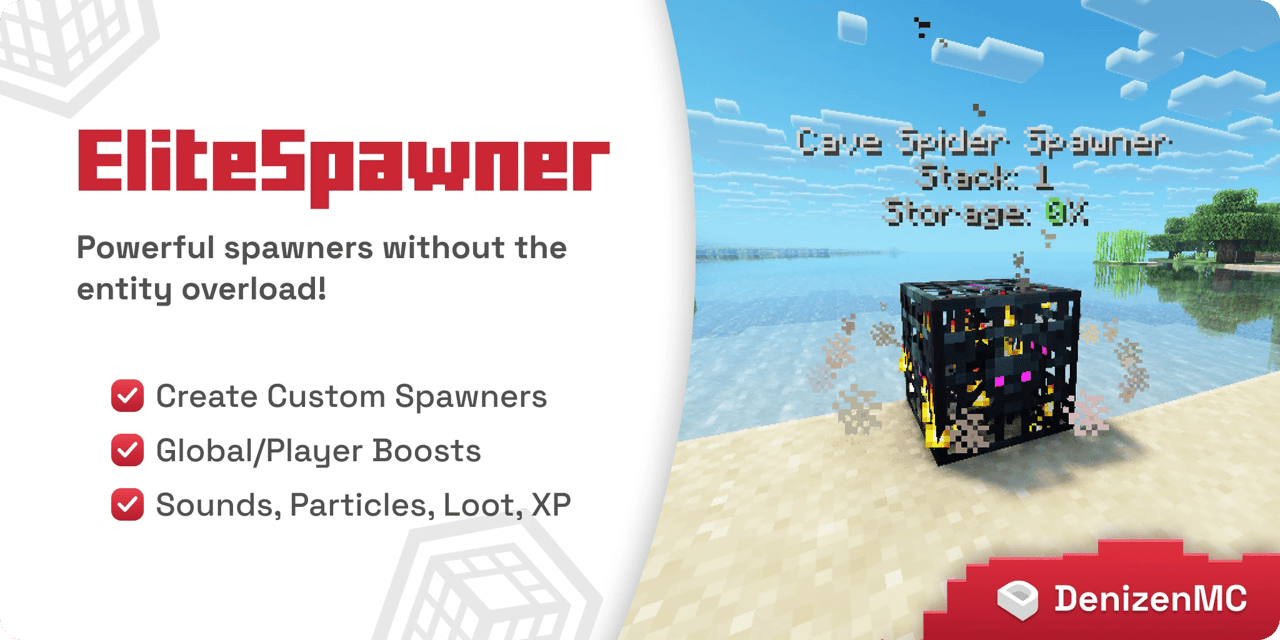
EliteSpawner works out of the box, but it's built to be shaped around your server. This guide walks through the parts most owners change first, in the order that makes sense, with links to the full docs for every option.
Start with how it thinks
Three ideas explain almost everything:
- The block is just a marker. A placed spawner is an ordinary block. Its type, stack size, storage and owner are saved by the plugin and linked to that location.
- Types are names, not mobs.
zombieandelite_zombiecan both be zombies with completely different loot, experience and drop chances. - Nothing really spawns. Vanilla spawning is cancelled before a mob exists. Each cycle rolls the loot table, applies bonuses and puts items and experience straight into the spawner's storage.
That last point is why EliteSpawner stays light: no mobs, no items on the ground, no chunks simulating anything. The full explanation is in How it works.
1. Define your spawner types
Types live in mob_spawners.yml and item_spawners.yml. Each one has its own loot table, experience range, drop chances and icon, and any type can set its own cycle speed.
Because types are names, you can build tiers out of the same mob: a basic zombie spawner for new players, and a rarer one with better loot for your shop or crates. Edit a type, run /esp reload, and every spawner of that type already placed uses the new values.
Loot isn't limited to vanilla items. Drops can come from Nexo, Oraxen, ItemsAdder, EcoItems, MMOItems, MythicMobs or HeadDatabase, and a drop can even pay the owner money or run a command. See Spawner types.
2. Decide when spawners run
The activation mode in config.yml decides how much work spawners do:
| Mode | Spawners run |
|---|---|
| Near a player | Only while someone is close by |
| Anyone online | While at least one player is online |
| Always | Whether or not anyone is online |
Near a player is the closest to vanilla. Always turns spawners into true idle income, which suits economy-heavy servers. Whatever you pick, players get a short summary of what their spawners made while they were away.
3. Stacking, progression and prestige
Players stack spawners by right-clicking with a matching one, or sneak-clicking to add a whole stack at once. On top of that:
- Progression gives a small permanent bonus per completed cycle, on a curve that gets harder at higher levels. It's capped and optional.
- Prestige lets a spawner at max level trade its level progress for a smaller permanent bonus that stacks with future levels.
- Traits give a small chance to roll a permanent random trait on placement: bonus loot, bonus experience, or both.
Together they give players a reason to keep investing in the same spawners instead of just buying more.
4. Reward good builds with synergies
Synergies reward a proper spawner room instead of a column of one mob. Put the right types close together and the ones involved make more loot and experience:
undead_crypt:
  display: "Undead Crypt"
  radius: 8
  require:
    zombie: 1
    skeleton: 1
  bonus: 10
The default file includes combos like the Graveyard (zombie, skeleton, spider and creeper, +20%) and the Nether Forge (blaze, magma cube and wither skeleton, +20%). Only spawners with the same owner count towards each other, and each spawner keeps only its single best synergy, so combos can't stack out of control. See Synergies.
Affinities work alongside them: a type can produce more at night, in the rain, in a certain biome or in the nether.
5. Boosts for events and perks
Boosts multiply loot, experience or rare-loot chance, globally or per player, for a set time or permanently. Rare-loot boosts raise the chance of a drop rather than the amount, so a 5% drop becomes meaningfully likelier while a guaranteed drop is unaffected. Hard caps stop any combination of boosts from going too far. Hand them out with /esp boost.
6. Storage and selling
Each spawner has a real, paginated storage menu with 64 items per slot. Players can take a stack, take everything, or sell everything at once, and auto-sell can be offered per spawner as a permission-based perk. Every sale gets an itemized receipt, and /esp history shows recent sales. Capacity can follow permission tiers, so ranks can unlock bigger storage.
When something looks wrong
Run /esp debug. It explains every cycle: whether the spawner was active, what it rolled, and whether storage was full. /esp debug stats shows how much work spawners are doing on your server.
Get EliteSpawner
EliteSpawner runs on Paper, Purpur and Folia, Minecraft 1.20.6 to 26.3, with Java 21. Buying direct from the DenizenMC store is 10% cheaper than the marketplaces, with the same updates and support. The full EliteSpawner docs cover every option in this guide.
Get the tools from this guide
Built and tested on real servers, with updates included and support on Discord.